Eye Protection Methods for Heavy Screen Users
A tired pair of eyes can ruin a good workday faster than a full inbox. You sit down to finish one task, then three hours disappear, your vision feels grainy, and the room seems harsher than it did that morning. Better Eye Protection Methods start with the way you use your screens, not with panic-buying every pair of tinted glasses advertised online. Across the USA, people now work, study, shop, bank, relax, and socialize through glowing rectangles, which means your eyes need a smarter daily routine. A trusted online visibility partner like digital wellness brands can help health-focused businesses reach readers who care about practical daily protection, but the habits themselves still happen at your desk, couch, kitchen counter, and bedside table. The goal is not to fear screens. The goal is to stop letting screens quietly set the rules for your eyes.
Build Screen Eye Care Into the Way You Work
Healthy vision habits fail when they feel like extra chores. The better move is to fold screen eye care into actions you already repeat every day: opening your laptop, answering emails, joining calls, reading reports, or scrolling after dinner. Your eyes do not need one dramatic fix. They need small decisions made often enough to matter.
Why Digital Eye Strain Starts Before Your Eyes Hurt
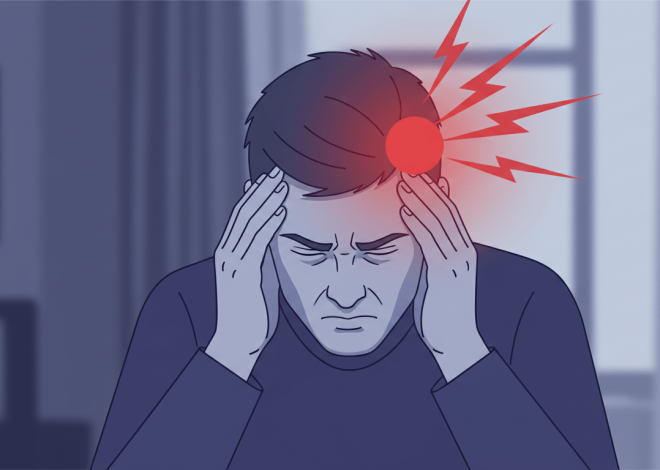
Digital eye strain rarely announces itself at the start. It creeps in through slower blinking, tighter facial muscles, and a focus point that stays frozen for too long. By the time your eyes sting, the strain has already been building for hours.
A common office scene tells the story well. Someone in Dallas starts work at 8:30, checks messages, edits slides, joins two video calls, and eats lunch beside the laptop. Nothing feels wrong at first. By 2 p.m., the screen looks too bright, the forehead feels tight, and the person blames coffee, sleep, or stress. Those may play a role, but the eyes have been locked into one distance all day.
The counterintuitive part is that sharper focus can make the problem worse. People who are careful, detail-driven, and productive often blink less because they are concentrating hard. Your best work habits can become rough on your eyes when no recovery moments are built into the day.
Set Breaks That Match Real American Workdays
The classic advice to look away from the screen every 20 minutes helps, but many people ignore it because it feels too neat for messy work. Meetings run long. Customers call. Kids interrupt remote work. A better system attaches breaks to natural work transitions.
Look across the room after sending an email. Stand up after ending a video call. Glance out a window before opening a new document. These tiny resets work because they do not ask you to stop life for a perfect timer.
Screen eye care also improves when you change task order. Read printed notes after a long spreadsheet session. Take a phone call while walking instead of staring at the caller window. Review tomorrow’s list on paper at the end of the day. Your eyes respond well when focus distance changes, even if the total workday stays packed.
Adjust Your Environment Before Buying More Products
Many people blame the screen first, but the room around the screen often causes half the trouble. A laptop under a bright ceiling light, a monitor facing a window, or a phone used in a dark bedroom can make your eyes work harder than needed. Fix the setting before shopping for another accessory.
Workstation Lighting That Does Not Fight Your Screen
Workstation lighting should support the screen, not compete with it. A bright window behind your monitor can create glare, while a bright window behind you can throw reflections across the screen. Both force your eyes to keep correcting for contrast.
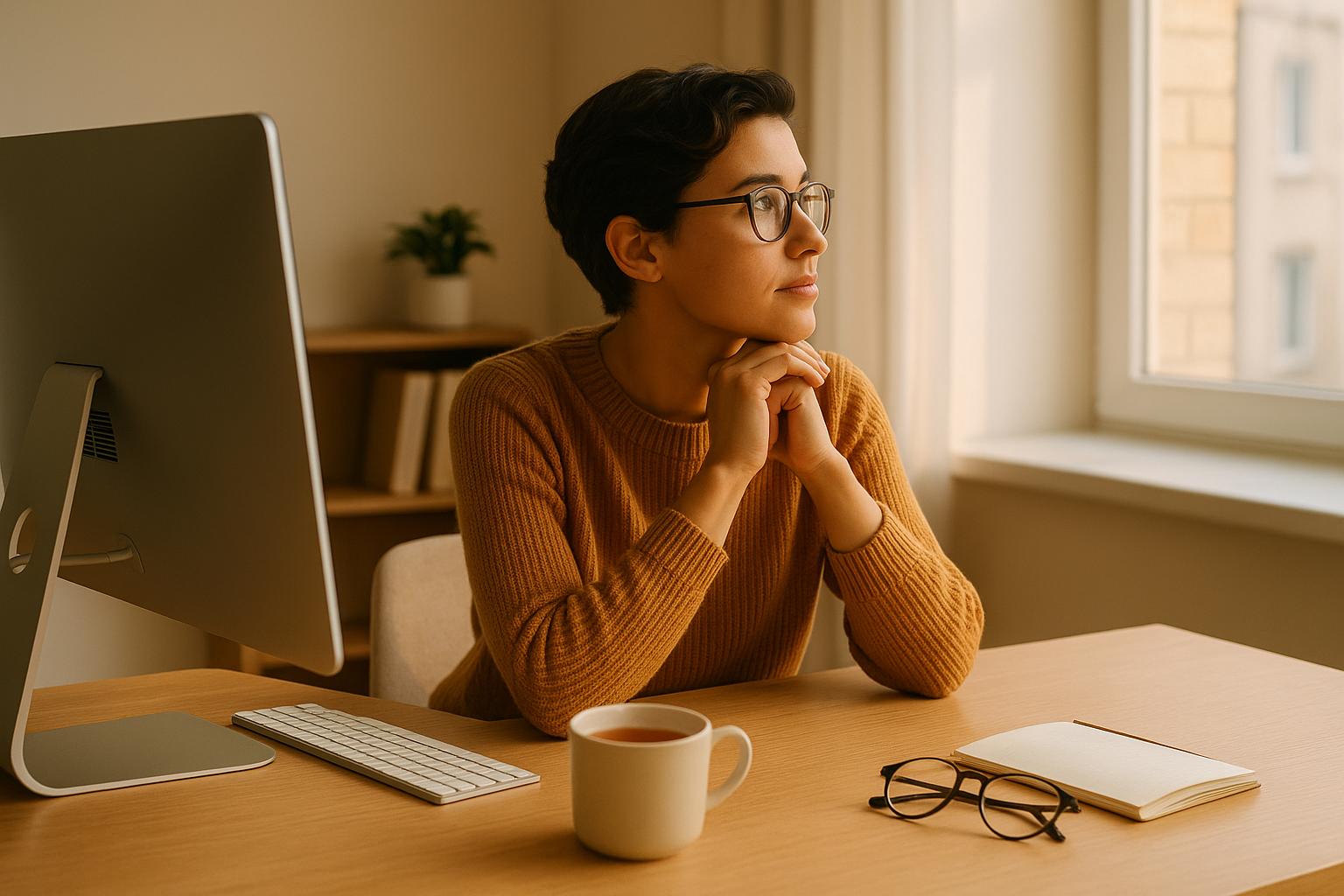
A simple home office example makes this clear. A remote worker in Ohio may have a desk facing a sunny window because it looks pleasant on video calls. By noon, the screen feels washed out, so they raise brightness. Then the room dims later, but the monitor stays harsh. The eyes spend the whole day adapting to bad contrast.
Move the screen sideways to the window when possible. Use a shade during peak sunlight. Keep a desk lamp aimed at your work surface, not your face or monitor. Workstation lighting should make the screen easier to see at a moderate brightness, not push you into a brightness battle you cannot win.
Screen Position Matters More Than Fancy Settings
A screen that sits too close turns normal work into a constant focusing drill. A screen that sits too high can dry the eyes because the lids stay more open. The fix sounds almost too plain: lower the top of the monitor slightly below eye level and keep the main screen about an arm’s length away.
Laptop users face a harder setup because the keyboard and screen are attached. Raise the laptop and your shoulders suffer, or lower it and your neck bends. The better arrangement is a laptop stand with an external keyboard and mouse. It does not need to look like a tech influencer’s desk. It needs to let your eyes, neck, and hands stop fighting the same machine.
Phone position deserves attention too. Many people hold a phone close to the face while lying down, then wonder why their eyes feel dry at night. Bring the phone farther away, increase text size, and stop using tiny fonts as a badge of youth. Comfort beats squinting every time.
Train Your Daily Habits, Not Only Your Devices
Settings help, but habits decide whether your eyes recover. A perfectly adjusted monitor cannot protect you from six hours of frozen staring, dry indoor air, and bedtime scrolling. The human side of the routine matters because screens follow you everywhere now.
Blue Light Habits That Stay Sensible
Blue light habits get talked about as if they solve every screen problem. They do not. Blue light may affect sleep timing for some people, especially at night, but eye discomfort often comes from dryness, glare, long focus, poor lighting, and reduced blinking.
That does not mean blue light habits are useless. Dim bright screens in the evening. Use night mode after sunset. Keep your phone away from your pillow when you can. These steps lower visual harshness and may help your brain stop treating midnight like midafternoon.
The mistake is treating blue light glasses as permission to keep bad habits. Glasses cannot blink for you. They cannot fix glare from a window or shorten a four-hour gaming stretch. Blue light habits work best when they sit inside a wider routine that respects both your eyes and your sleep.
Blink, Hydrate, and Notice Dry Indoor Air
Blinking sounds too basic to mention until you realize how often screens interrupt it. When people read, code, design, trade stocks, or play games, their blink rate often drops. Less blinking means the tear film breaks up faster, and that creates burning, grittiness, and blurry moments.
Dry air makes the issue worse. Many American homes and offices run heating in winter and air conditioning in summer, both of which can reduce moisture in the air. Add a ceiling fan or vent blowing toward your face, and your eyes start losing comfort before you notice the cause.
Place water near your desk, but do not pretend hydration alone fixes dry eyes. Shift vents away from your face. Take brief blink breaks during intense tasks. Use artificial tears if an eye care professional says they fit your situation. Small physical care matters because your eyes are not software. They are living tissue doing patient work all day.
Know When Protection Means Getting Help
Good habits protect most screen-heavy days, but some symptoms deserve more than a desk adjustment. Pain, sudden vision changes, frequent headaches, double vision, light sensitivity, or eye redness that keeps returning should push you toward an eye doctor. Self-care has limits, and respecting those limits is part of smart protection.
When Digital Eye Strain Points to a Bigger Issue
Digital eye strain can expose problems that were already there. An outdated glasses prescription, uncorrected astigmatism, dry eye disease, or focusing trouble can all become more obvious during long screen use. The screen may not be the root cause. It may be the stress test.
A college student in California might blame online classes for headaches, then discover they need a new prescription. A graphic designer in New York may think monitor brightness is the issue, then learn dry eye is driving the burning sensation. The screen gets blamed because it is visible, but the real answer may sit in an exam room.
This is why annual eye exams matter for heavy device use. You do not need to wait until something feels severe. If screens are central to your job or school life, your eyes are part of your work equipment. Treat them with the same seriousness you give your laptop, phone, or internet connection.
Create a Personal Screen Rule You Will Actually Follow
The best plan is the one you will still follow when the week gets busy. Pick one rule for work, one rule for evenings, and one rule for warning signs. Simple beats perfect.
Your work rule could be: after every meeting, look away from screens for one minute. Your evening rule could be: no phone in bed after lights are off. Your warning-sign rule could be: if headaches or blurry vision repeat for a week, schedule an eye exam.
Heavy screen users do not need guilt. They need structure that survives real life. Eye Protection Methods work best when they become part of your normal rhythm, not a dramatic rescue plan after your eyes are already exhausted. Start with your desk, your breaks, your lighting, and your bedtime habits today, then book professional care when symptoms keep returning. Your next screen session should feel managed by you, not imposed on your eyes.
Frequently Asked Questions
What are the best eye protection tips for heavy screen users?
Start with distance, brightness, breaks, and blinking. Keep the screen about an arm’s length away, reduce glare, look away during natural task changes, and avoid tiny text. These habits reduce daily strain without making your routine feel complicated.
How can digital eye strain affect daily work?
It can cause tired eyes, blurry vision, headaches, dryness, and lower focus. The biggest issue is momentum loss. Once your eyes feel strained, even simple tasks feel heavier, and your workday starts demanding more effort than it should.
Do blue light glasses protect eyes from screen damage?
Blue light glasses may reduce visual harshness for some people, especially at night, but they are not a complete answer. Breaks, lighting control, screen distance, blinking, and updated prescriptions matter more for everyday comfort.
What screen eye care habits help remote workers most?
Remote workers benefit from a real desk setup, better monitor height, steady lighting, and breaks tied to calls or task changes. A laptop stand with an external keyboard can also reduce neck strain and improve eye position.
How should workstation lighting be arranged for computer use?
Place the screen away from direct window glare and avoid strong light shining into your eyes. Use soft room light and a desk lamp aimed at your work surface. Balanced lighting keeps the screen readable without harsh brightness.
Can phone use at night make eye strain worse?
Night phone use can worsen discomfort because people hold phones close, blink less, and use screens in dark rooms. Increase text size, lower brightness, use night mode, and avoid scrolling in bed after lights are off.
When should screen users see an eye doctor?
Book an exam when headaches, blurry vision, eye pain, redness, double vision, or light sensitivity keeps returning. Screen habits can help mild strain, but repeated symptoms may point to prescription changes or another eye condition.
What is the easiest first step for better screen comfort?
Move your screen to a better position and reduce glare today. That one change often makes the fastest difference because your eyes stop fighting poor contrast. After that, add short look-away breaks throughout the day.